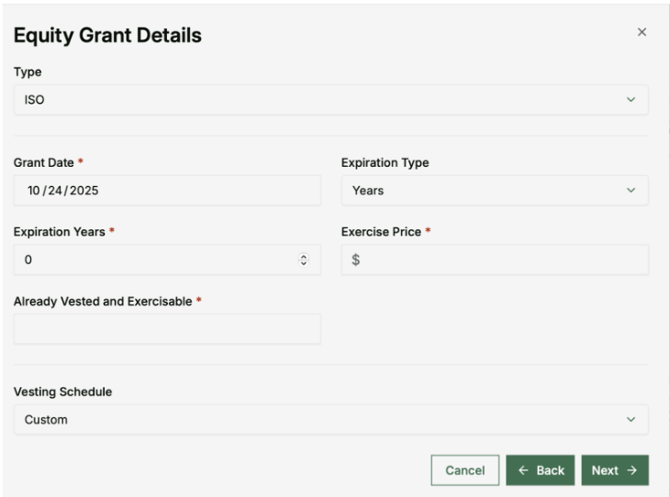
Adding a Grant to a Client Profile
Follow these steps to add a grant or holding to your client's profile:
- Start at the Grantd homepage and select the Client tab
- Select the client you would like to add a grant for from the list
- Select the Holdings tab at the top of the page
- In the Holdings page, select the + Add New Holding button


Choose Your Entry Method
You have two options for adding holdings:
Manual Entry
- Choose the type of holding: Equity Grant or Owned Shares
- Select the option that fits your use case
- Fill out the relevant information
- Select Create
Document Upload
Upload equity documents for automatic extraction of grant information.