
Deleting a Client
Yes, you can delete clients from your Grantd account. Follow these steps:
- From the home page, select the Client box
- Select the client you would like to delete
- Once on the client's page, select the Details tab towards the top of the page
- Select the Delete Client button

- You will get a popup asking if you are sure you want to delete this client
- Select Delete Client to confirm
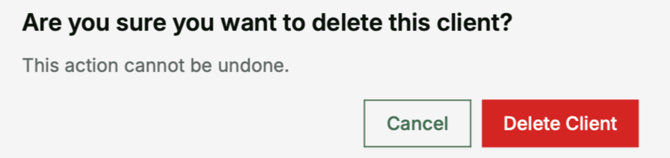
Important: This action cannot be undone. All client data, holdings, and reports will be permanently removed.